
Campaigns - Tracking Script
Domains – Connect Your Website to PowerPop
Inside PowerPop, there's a Domain section where you can manage the websites you want to show popups on.O nce your domain is added, you'll see a Tracking Script.
What is a Tracking Script?
The tracking script is a small piece of code you need to embed into your website. It allows PowerPop to display and track your popup campaigns directly on your site.
Once added to your site, it does enables your popups to appear on your website and keeps your campaigns up-to-date, so any changes you make in PowerPop show instantly on your site.
How it works?
Think of this script like a bridge between your site and PowerPop. It gets loaded in the background when someone visits your website, quietly activating the popups you've created and tracking how users engage with them without affecting your site's performance.
How to Install the PowerPop Tracking Script

To display your PowerPop campaigns on your website, you need to install the tracking script. Here’s how to do it:
- Go to Campaigns and Click “Manage domains” - On the right side of the dashboard, click the Manage domains button.

- Find your domain - Locate the domain you want to use, then click on the dropdown arrow to expand its details.
- Copy the tracking script -You’ll see a Tracking Script box. Click the copy icon to copy the full script.

Next Steps After Copying the Tracking Script:
- Go to Your Samba Account and Open Script Manager: Log into your Samba account and navigate to the Script Manager section.

Add a New Container : Create a new container dedicated to the customer or project within the platform or tag manager.

Add New Container Paste the Tracking Script: Paste the tracking script you copied earlier into the newly created container.
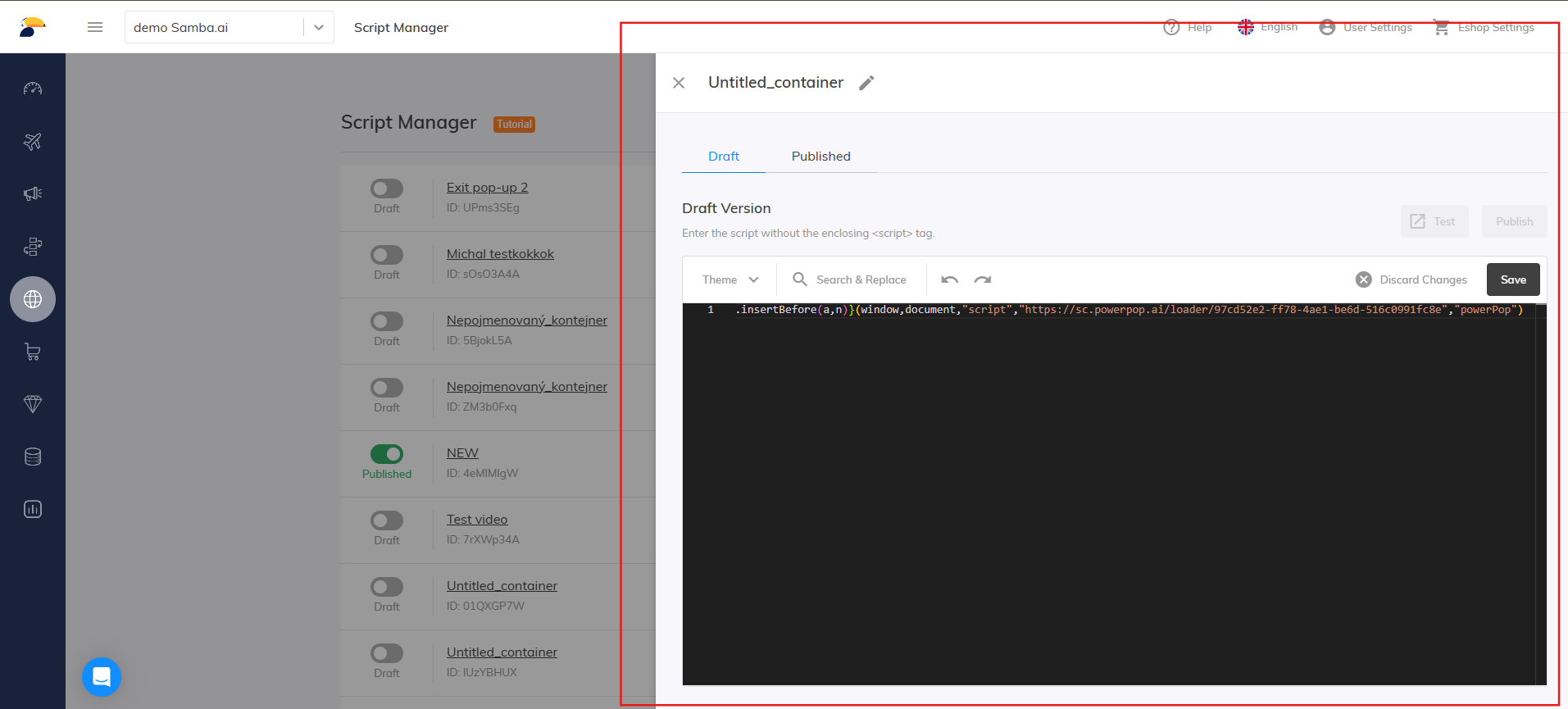
Container Field Save the Container: Save all changes made to the container.

Publish the Container: Publish the container to activate the tracking script on the customer’s website.
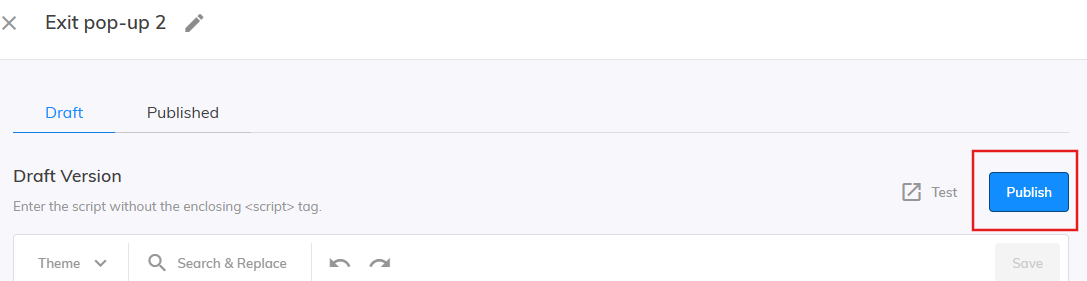
Publish Container
Once installed, everything you build in PowerPop - like exit popups, sticky bars, or email forms - can start showing up on your site automatically.
Connecting your domain and installing the PowerPop Tracking Script is a simple but essential step to make your campaigns go live. Once the script is added, PowerPop automatically syncs with your website, ensuring that every popup, banner, or form you create appears instantly and performs in real time. This seamless integration keeps your marketing campaigns active, accurate, and effortlessly managed from one central platform.
Want to manage your subscription and monitor your usage?
Here’s the next article to help you get familiar with PowerPop: Billing →